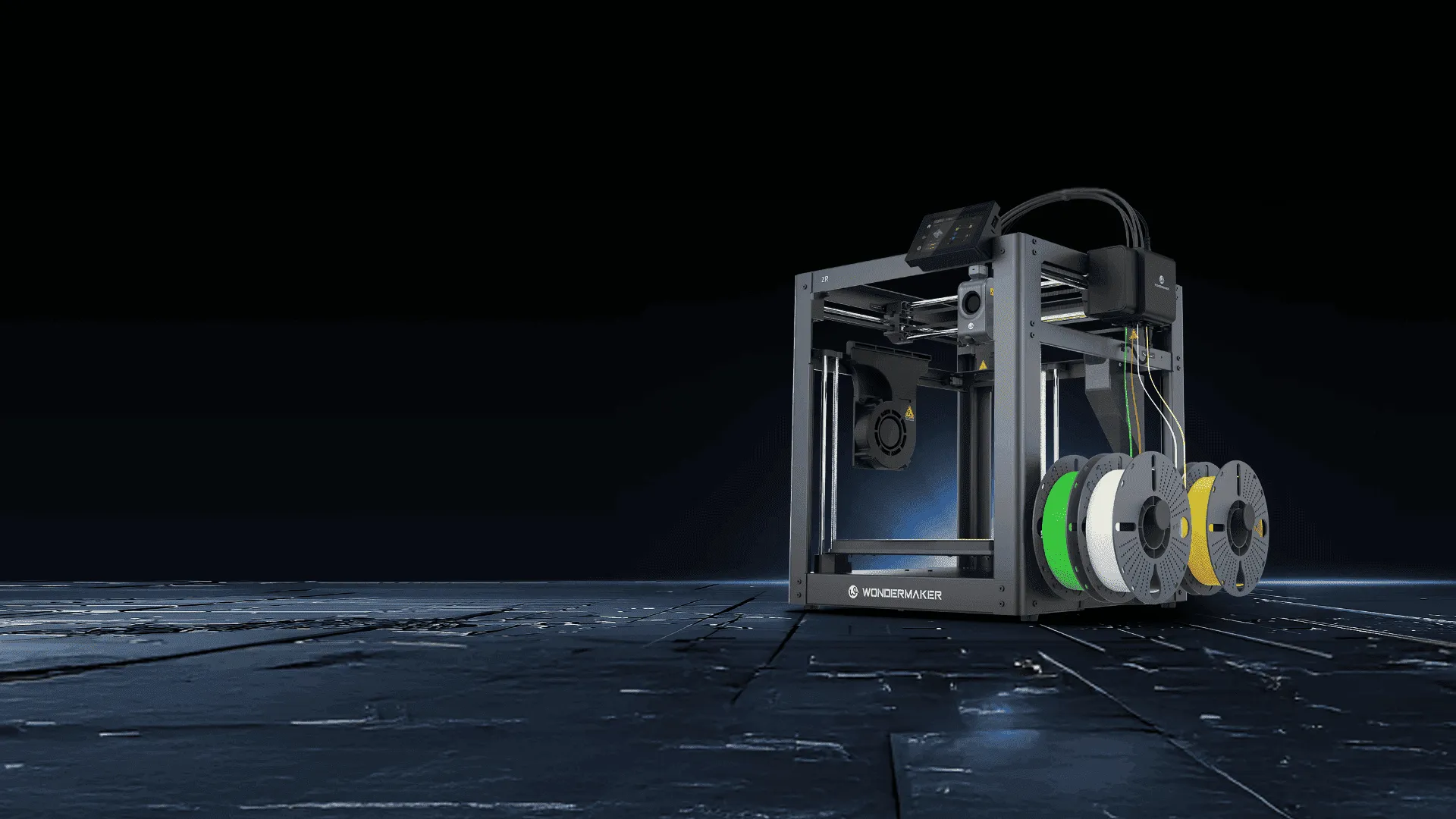
Multi-color 3D printing can be appealing to beginners, but managing several filaments manually can add steps to an already unfamiliar process. Automatic color management can reduce some of that complexity by handling color changes during a print, allowing new users to focus more on model preparation, slicing, and basic printer operation. For this reason, the best beginner multi-color 3D printer should be evaluated not only by print quality or color capacity, but also by how easily it handles routine color changes.
Understanding how automatic color switching works can help users choose equipment that matches their experience level. It can simplify repetitive tasks, although it does not eliminate the need to understand slicing settings, filament selection, bed preparation, and basic print troubleshooting.
Why Color Changes Can Be Difficult for Beginners
In a single color print, the user generally loads one filament and prepares the model for one material. Multi-color printing introduces additional decisions. The slicer needs to know which sections of the model use each color, while the printer must manage filament changes at the appropriate points in the print.
When color changes are frequent, manual intervention can interrupt the workflow and make mistakes more likely. A beginner may also need time to understand how filament loading, purging, oozing, and color assignment affect the finished model. Automatic switching can reduce the amount of hands on intervention required for these repetitive steps.
How Automatic Color Switching Simplifies the Workflow
Automatic color switching generally means that the printer can change between loaded filaments according to the color assignments in the print file. Instead of stopping the print for every transition and asking the user to change filament manually, the system performs the change as part of the printing sequence.
For beginners, this can make the workflow easier to follow. Once the model has been prepared correctly, the printer can manage the planned color transitions while the user monitors the print rather than repeatedly intervening. The exact process varies by printer design, so users should check how a particular system handles filament changes and purging.
Automatic switching does not mean that every multi-color print will succeed without preparation. Users still need suitable filament, correct color assignments, appropriate temperatures, and a properly prepared print surface. Automation reduces repetitive handling, but it does not replace basic 3D printing knowledge.
What Beginners Should Look for in a multi-color Printer
The best beginner multi-color 3D printer should provide a balance between automation and control. A clear slicing workflow is important because beginners need to understand how colors are assigned before starting a print. Reliable filament detection and straightforward loading can also reduce interruptions during longer jobs.
Build volume and material compatibility should also match the user’s intended projects. PLA is commonly used for learning, while materials such as PETG, ABS, or ASA may be selected for different performance requirements. Users should verify the printer’s supported materials and recommended settings rather than assuming that automatic color switching makes every filament equally suitable.
Automatic Features Can Support a Gradual Learning Process
Automation can be especially useful when users move from simple models to designs with repeated color transitions. Instead of learning manual filament changes and multi-color printing at the same time, beginners can focus first on model preparation, slicing, and print observation.
As their experience grows, users can experiment with more complex color arrangements, different materials, and more detailed models. This gradual progression helps them understand what the printer is doing and how settings influence the final result, rather than treating automation as a substitute for learning.
How WonderMaker 3D Approaches Automatic Color Printing
The multi-color 3D printers in WonderMaker 3D‘s ZR series are designed to make color changes part of the printing workflow. According to the manufacturer’s product information, the ZR can automatically switch colors and includes features such as automatic leveling and one touch calibration. These functions can reduce some routine setup and intervention for users who are still becoming familiar with 3D printing.
The ZR also has a 300 × 300 × 300 mm build volume, a heated bed rated to 100°C, and a filament detection function that can pause printing when filament runs out or breaks. Its listed material range includes PLA, PLA Matte, Silk, PETG, ABS, and ASA, with an optional enclosure for materials such as ABS and ASA. These specifications may be relevant to beginners who want a system that can support projects beyond basic PLA models, although material requirements should always be considered for the specific application.
Automation Still Requires Good Printing Habits
Even with automatic color switching, beginners should learn the fundamentals of 3D printing. A clean print surface, dry and appropriate filament, correct slicer settings, and a suitable first layer remain important. Users should also understand that color changes can require purging material, which may affect print time and filament consumption.
These habits make automation more useful because the printer is handling repetitive operations while the user retains responsibility for the parts of the process that require judgment.
Making the Learning Curve More Manageable
Automatic color switching can remove one of the more repetitive parts of multi-color 3D printing, making it easier for beginners to concentrate on the creative and technical decisions that matter. It does not remove the need to understand filament behavior, slicing, calibration, or print preparation, but it can reduce the amount of manual intervention required during a color changing print.
For anyone comparing the best beginner multi-color 3D printer, the most useful question is how well its automation, software, material support, build volume, and maintenance requirements fit the user’s actual learning needs. A printer that reduces repetitive work while still providing room to develop practical skills can make the transition into multi-color 3D printing more straightforward.
